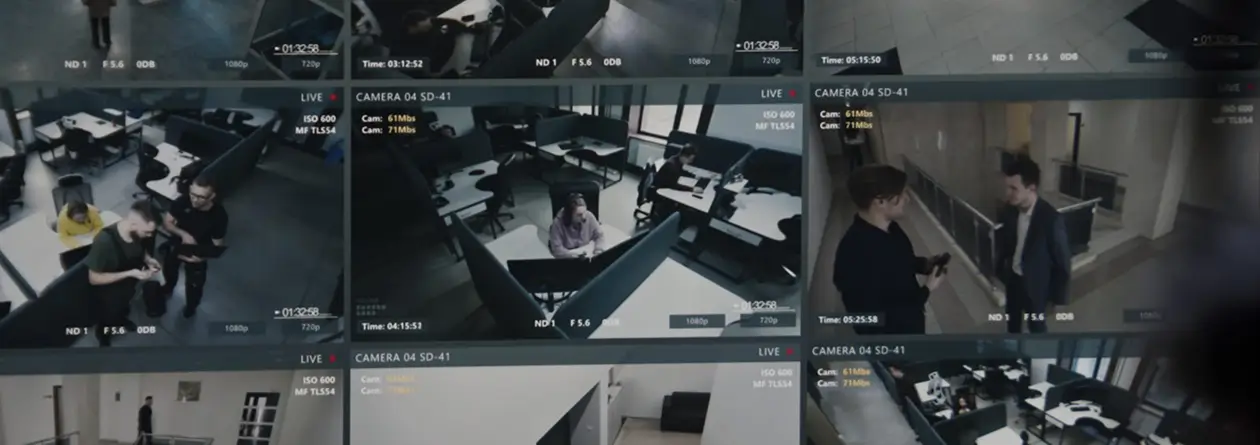
Commercial Camera Installation

Commercial Security Camera Installation in Dallas, TX

Video surveillance systems designed, cabled, and installed for Dallas businesses. IP and CCTV, dome, bullet, turret, and PTZ.
Call (972) 619-5883
No long-term contract required

Request a site survey

A local Dallas technician replies the same day.

Business security cameras in Dallas

Camera installation built around your building

Security Cameras Dallas handles commercial security camera installation in Dallas for warehouses, retail, offices, clinics, and commercial property across the metro, designing, cabling, and supporting the whole system, part of the commercial security systems we install across Dallas.
A camera is only worth mounting if it covers the spots that actually get hit, so every security camera installation in Dallas starts with a walkthrough of your entry points, blind spots, and after hours risk. A few cameras placed right beat a dozen placed wrong. f you are deciding on a number, our blog breaks down how many security cameras your business needs.

The system ties into your alarm system, access control, and automation, so one platform and one app run cameras, doors, and alerts across the whole site.

  • Local Dallas crew, not a call center
  • One crew from survey to handover
  • Coverage planned before a cable is run
  • Ongoing support and health checks after install
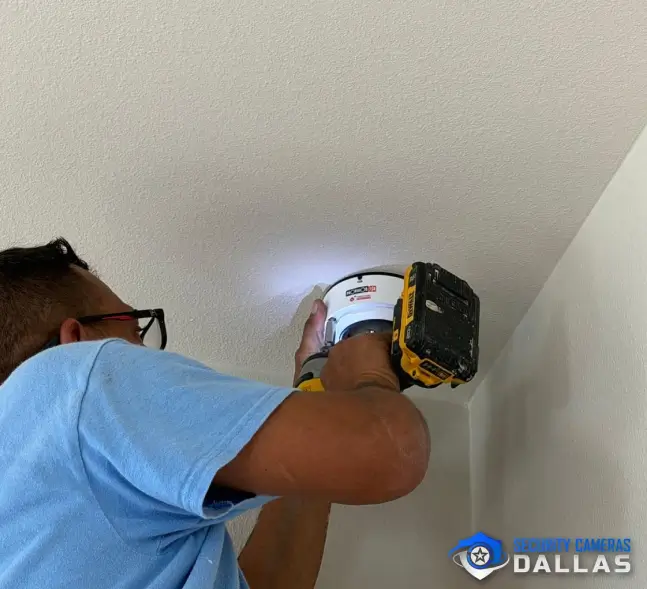
Types of cameras

Commercial security cameras and video surveillance systems for Dallas buildings

The right camera depends on the spot, from a modern IP build to a commercial CCTV installation, so we match the hardware to what each area needs and bring it into one video surveillance system for your Dallas property. A dock, a sales floor, a parking lot, and a server room each ask a different question of a camera, and we answer each with the format that fits, a dome for interiors, a bullet for the long runs, a turret at the entries, and a PTZ over the yard, all weather rated and vandal resistant for Texas conditions.
Dome
Discreet, vandal resistant coverage for lobbies, retail floors, and corridors.
Bullet
Long range, weather rated views for perimeters, docks, and entrances.
Turret
Clean, low glare night images for entries and wide interior shots.
IP and PoE
4K network cameras on a single cable that scale cleanly across sites.
PTZ
Pan, tilt, and zoom for large floors, yards, and open ground.
Specialty
Thermal, multi sensor, and plate capture cameras for lots, gates, and hard spaces.
Camera quality

Clear day and night

4K, 2K, and HD security cameras with color night vision
The best placement still needs a camera that resolves what it sees. We install 4K, 2K, and HD cameras with color night vision, matched to the field of view each spot needs, so a plate, a face, or a logo on a jacket stays readable after dark instead of turning into a gray smear.

Wide dynamic range holds the detail against a bright loading door or a sunlit lot, where cheaper cameras wash out. It is the difference between footage that identifies someone and footage that only proves something happened.
What you get
4K and HD resolution
Color night vision
Wide dynamic range
Faces and plates after dark
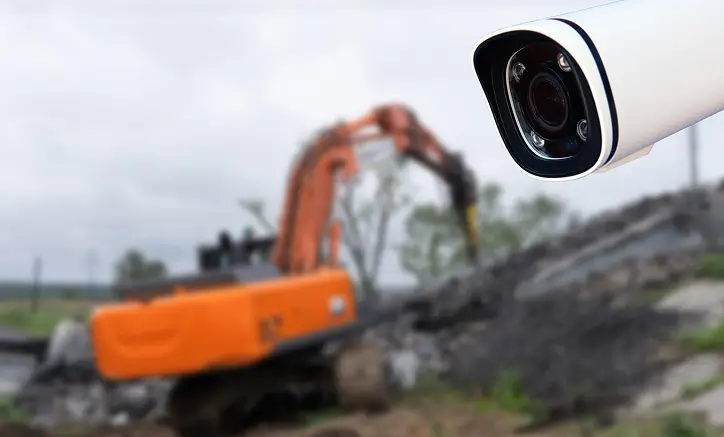
4K commercial security camera covering a Dallas construction site
commercial grade optics  |  installed and aimed in Dallas
Plate log · live
TEXAS
DLR·4471
  • BX9 · 2210Gate 2 Allowed
  • TRK · 8830Dock Logged
  • KLM · 1043Lot A Logged
Searchable history, kept as long as you retain footage
License plate recognition

License plate recognition at the gate, dock, and lot

License plate recognition reads plates at entrances, gates, and parking areas, then keeps a searchable log of what came and went and when. Flag a vehicle and the system watches for it. For a warehouse off the Stemmons Corridor, or a lot where catalytic converter theft is a real Dallas problem, that is how you tie a truck to a time without standing at the gate. The capture holds up at speed and after dark, where a standard camera gives you only a blur.
01 Gate, entry, and lane capture
02 Searchable plate history
03 Watchlist for flagged vehicles
Intelligence

AI video analytics that detect people and vehicles
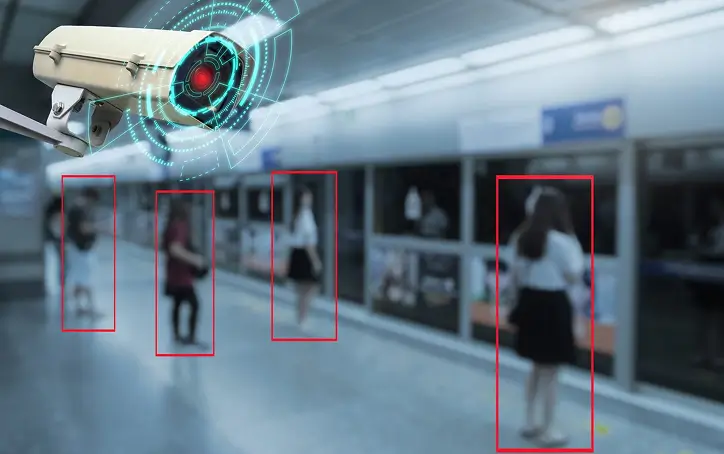
Analytics turn hours of footage into a few seconds of searching. The system classifies people and vehicles with smart motion detection, watches the lines and zones you set around docks and fence lines, and lets you search recorded video by person, vehicle, or object instead of scrubbing a whole night of tape. Where the hardware supports it, we add facial recognition and people counting.
01 Person and vehicle classification
02 Line crossing and zone detection
03 Search footage by person, vehicle, or object
AI video analytics detecting people on a Dallas security camera
Recording and storage

Recording and storage, kept as long as you need

Footage is only worth keeping if it is still there weeks later. Recording should be sized around how long you actually need footage, on a local NVR or DVR, in the cloud, or a hybrid of both.
Recording and storage

On site NVR or DVR

A recorder on the property, sized to how long you keep footage.
  • 30, 60, or 90 day retention
  • No monthly cloud fee
  • Fast local playback
  • Runs if the internet drops
Off site

Cloud recording

Footage stored off the property and reachable from anywhere.
  • Nothing to steal on site
  • Reach it from any device
  • Encrypted end to end
  • Scales without new hardware
Best of both

Hybrid recording

A local recorder with a cloud backup, the setup we install most.
  • Local NVR plus cloud copy
  • Quick playback on site
  • A backup if the recorder fails
  • Priority clips held longer
Cloud video management

Cloud video management, every camera on one platform

Cloud video management puts your whole system, every camera, user, and site, in one secure place you reach from a phone or a laptop. It is the video management system, or VMS, that runs your cameras day to day, live views, recordings, users, and permissions behind a single login instead of a separate app for each building. It grows from a few cameras over one storefront to many sites without a rip and replace, and every action is logged, so you always know who looked at what and when.
  • View any camera remotely, phone or laptop
  • Pull and export a clip in seconds
  • Add a camera or a whole site
  • Roles for who can view, export, or manage
  • One login for every site and camera
  • A live wall for the whole portfolio
  • Health status of every camera
  • Tied to alarms and access control
Cloud video management showing every Dallas business camera on one platform
Network security

Network security: only as safe as the network behind it

Every connected camera, recorder, and NVR is a device on your network, which means a camera installed with a default password or open access is a way in, not just a way to watch. We install with hardening built in from the first cable.

Most local installers never bring this up. It is the part of the job that does not show on a screen, and it is the part that protects the rest of your business. We explain it in plain terms in our guide on whether security cameras can be hacked.

Cameras on their own isolated segment
Encrypted video streams end to end
Passwords changed and firmware kept current
Clean, labeled, standards based cabling
One connected system

Cameras that work with your alarm and access control

Your cameras do not work alone. We tie them into your alarm, access control, and automation, so one app runs the whole site instead of four vendors and four logins. When a door opens after hours, the camera on it is already recording.

Making separate systems work as one is where most installs fall apart, a camera brand that will not talk to the access panel, an alarm that trips but never pulls up the video. We plan for camera integration from the first walkthrough, matching hardware that works together and wiring it so an event on one system shows up on the others. That is the difference between a pile of gadgets and a building that runs as one.

Cameras and alarm on one app
Access control tied to your cameras
Business automation and lighting
An alarm that pulls up the live video
Door and access events matched to the video
One login and one app for the whole site
Cabling and infrastructure

Structured cabling and PoE: the backbone your Dallas cameras run on

The cameras get the attention, but an install is only as good as the backbone behind them. We run structured cabling, with fiber where the distances are long, size the switches and the PoE budget for the camera load, and put the recorder on a UPS so a power blip does not drop your footage. It is the part you never see, and the part that keeps the system up.
Structured cabling
Labeled, run to standard, tidy and easy to service later.
Fiber for long runs
Where copper cannot reach, building to building or across a yard.
PoE budget sized
Switches matched to the camera load, with headroom to spare.
UPS backup
The recorder keeps running through a power blip, so footage is not lost.
Room to grow
Spare ports and bandwidth for the cameras you add later.
Configured and tested
Every camera set up and tested on site before we hand it over.
Areas we serve

Cities where we install and service security cameras

Our coverage runs across the Dallas metro, from storefronts off Greenville Avenue to warehouses along the Stemmons Corridor. Tell us where your property sits and we will get to you fast.

Somewhere else in the metro? Ring (972) 619-5883.

Industries we serve

Camera systems built around how your property runs

Schools and campuses and warehouses are where we have done the most work, along with distribution centers, houses of worship, and retail. For warehouses in particular, see where warehouses lose inventory and how to cover it and that experience shows up in the plan. We size coverage, analytics, and storage to the way your operation actually runs, not to a generic template, work Security Cameras Dallas has done right across the Dallas metro.
  • Schools and education
  • Distribution centers
  • Warehouses and logistics
  • Houses of worship
  • Retail and storefronts
  • Offices and corporate
  • Medical and dental
  • Construction and yards
  • Restaurants and bars
  • Auto and service
Call Security Cameras Dallas

Book a commercial camera survey in Dallas

Whether you need a few cameras over a storefront or full coverage across several sites, we walk the building and show you where the cameras belong. Then we install, set up recording and remote viewing, and add analytics if you want them. If you want eyes on the cameras around the clock, we also run live video monitoring, and we can pair your system with video verified alarms.
FAQ

Frequently asked questions about security camera installation in Dallas, TX

How much does a commercial camera system cost?

Price depends on the size of the property, the number of cameras, the cabling runs, and how you store footage. We give you a real number after a walkthrough, with a camera by camera quote and no surprises.

How many cameras does my business need?

It depends on your layout and the spots that cause problems, not the square footage. On the survey we map the building and give you a count that covers the entries, blind spots, and parking without gaps.

Can I store footage in the cloud, on site, or both?

All three. We size storage to how long you need to keep footage, on a local NVR or DVR, in the cloud, or a hybrid of both.

Can I view my cameras remotely from my phone?

Yes. Live remote viewing works on your phone or a laptop, so you can check any camera at any site from anywhere.

Can you upgrade or reuse my existing cameras and network?

Usually, yes. We check the switches, cabling, and bandwidth, keep the cameras worth keeping, and add what is needed so the system does not slow your network down.

Have you installed camera systems for warehouses and schools?

Yes, extensively, along with distribution centers and houses of worship. We bring what we learned on those sites to the way we plan and place your coverage.