
How Close Does a Security Camera Have to Be to Capture a Face or Read a License Plate?
Whether a camera produces a usable image comes down to how many pixels land on the subject, not how far the camera can see. Distance, lens, mounting height and light decide whether you get an identification or a shape on a screen.
Security Cameras Dallas Team
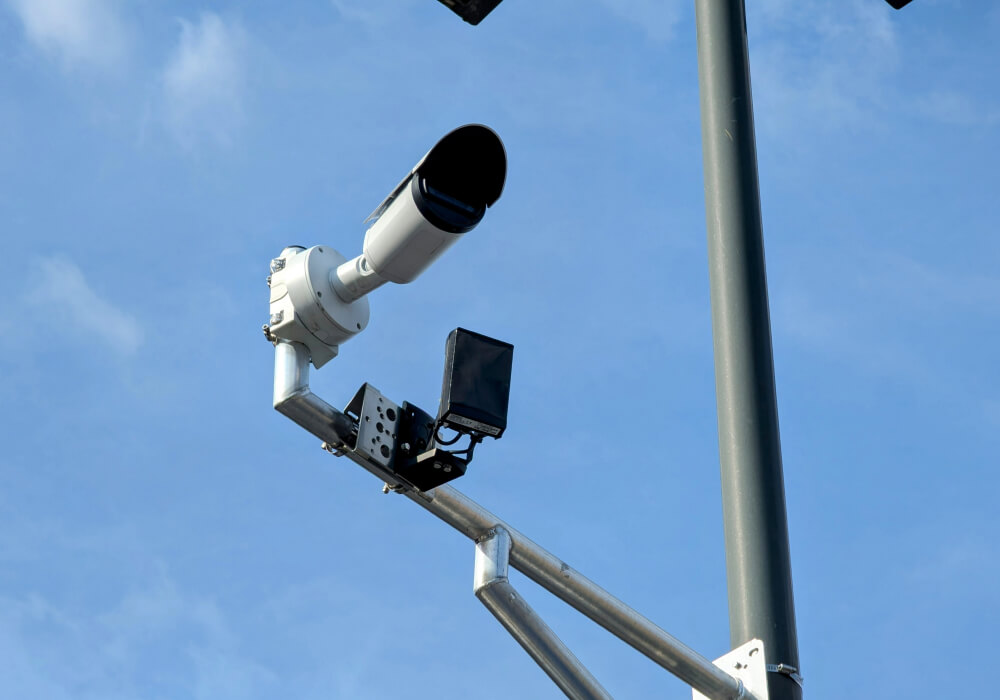
Somebody walks out of your back office in the middle of the afternoon with a laptop and a set of keys. Eight cameras are recording and the footage shows the whole thing. It also shows a man in a cap and a work shirt who could be any of a hundred people, and the car he leaves in is parked far enough out that the plate is four gray blocks on the screen. The video goes to the police and there is nothing in it they can use.
None of that is an equipment failure. The cameras recorded what they were positioned to record, which was activity across a wide area. Recording activity and producing an image somebody can act on are two different jobs, and which one you end up with is decided at installation, by how many pixels land on the face or the plate that matters.
Four familiar levels used to judge what a camera can show
Camera specifications often quote a viewing distance, and on its own that number tells you very little about whether you will identify anybody. What decides the outcome is pixel density, the number of pixels that land across the subject. Many camera specifications still use the four DORI levels from IEC 62676-4:2014. They remain a useful way to estimate what a camera view can show, although the standard was updated in 2025 with more detailed operational levels.
- Detect, 25 pixels per meter, about 8 per foot: you can tell that a person is present and moving. You cannot tell anything else about them.
- Observe, 63 pixels per meter, about 19 per foot: you can follow what somebody is doing and see the general shape of clothing and behavior.
- Recognize, 125 pixels per meter, about 38 per foot: you can tell with reasonable confidence whether this is somebody you already know, an employee or a regular driver.
- Identify, 250 pixels per meter, about 76 per foot: the image may carry enough facial detail to identify someone who is not already known, provided the angle, lighting and movement are under control.
In the field most installers round those to 8, 20, 40 and 80 pixels per foot, which is close enough for design work. The important part is the gap between the levels. Going from watching somebody to identifying them takes four times the pixel density on the same subject, and that is a much larger jump than most people expect when they are looking at a quote.
Why a high-resolution camera can still fail to identify anybody
Camera resolution alone tells you nothing about whether you will identify anybody, because those pixels get spread across whatever width the lens is covering. The math is simple enough to do on a phone, and it is the calculation an experienced installer is running while walking your property.
- The formula: horizontal resolution divided by the width of the scene gives you pixels per foot.
- The lens sets that width: focal length in millimeters decides how wide the view is. On a common sensor a 2.8 mm lens takes in roughly 100 degrees and covers a whole room, while a 12 mm lens covers a narrow slice and puts far more pixels on whatever is inside it.
- A varifocal lens lets you set it on site: a camera with a 2.8 to 12 mm range can be adjusted at the mount until the view matches the job, instead of living with whatever a fixed lens happens to give you.
- A 4 MP camera on a loading dock: about 2560 pixels across a 20-foot-wide doorway is 128 pixels per foot, which provides substantially more facial detail than the same camera covering a wide parking lot.
- The same camera on a 60-foot lot: those same 2560 pixels across 60 feet come to roughly 43 pixels per foot, which is recognition at best and only for people you already know.
- The same camera on a 120-foot yard: about 21 pixels per foot, which will show you that somebody crossed the yard and nothing more.
- Zooming in later does not add detail: whatever was captured is all there will ever be, and enlarging a face on the recorder only makes the same blocks bigger. Optical zoom and a longer lens get you closer. Digital zoom after the fact does not.
- Analytics do not change the arithmetic: AI assisted search, plate reading and person detection all work from the same pixels. Software can find a person in hours of footage far faster than you can, but it cannot add detail the camera never recorded.
One camera, three different answers, and the only thing that changed was how wide it was asked to look. A wider lens spreads the same pixels across more ground, and adding megapixels to a camera pointed at half a property rarely makes that back. When reviewing a plan for commercial camera systems in Dallas, ask what each camera is expected to resolve at its actual mounting distance.
The camera above the door is usually recording the top of a hat
The most common identification failure has nothing to do with the camera. It is a good camera mounted too high and aimed too steeply down, which fills the frame with scalps and shoulders instead of faces. Height is a compromise between reach, protection from tampering, and the angle you need to see somebody head on.
- Match the mounting height to the job: an overview camera can sit higher, but a camera expected to capture faces needs a shallower angle and a clear view of people approaching it.
- Aim along the path, not down onto it: a person walking toward a camera presents a face for several seconds. A person walking under a camera presents a hat.
- Pick a choke point: an entry door, a gate, a hallway or a register lane funnels everyone through one narrow width, and a narrow width is where pixel density is highest.
- Separate the two jobs: one camera can cover the room and a second can sit low and tight on the door. Trying to do both with one camera is how a property ends up with neither.
- Check the proposed view before drilling: confirm the height, angle and field of view from the planned camera position rather than discovering a blocked or overly steep view after installation.
That last point is also why coverage count and coverage quality are separate questions. Deciding how many cameras your business needs tells you where the views go. Deciding pixel density tells you what each of those views will actually be worth when something happens.
Reading a plate is a different job from capturing a face
Plates get their own camera on most commercial jobs, and owners are often surprised by that. A plate is a small object, it is retroreflective, it is usually moving, and it has to be read at an angle. The camera settings that make a plate legible are not the settings that show you the person behind the wheel, which is why one camera rarely does both well.
- Capture and recognition are two different targets: license plate capture, sometimes written LPC, means a readable image you can pull up later, and it generally needs somewhere around 60 to 120 pixels across the plate. License plate recognition, written LPR or ANPR, reads the characters automatically into a searchable record and usually wants more, commonly 120 to 200 pixels, with tighter angles. Both are measured across the plate itself, not across the car.
- Keep the angle down: the combined horizontal and vertical angle between the camera and the vehicle should stay under about 30 degrees, and 45 degrees is the practical ceiling. Past that the characters distort and the reflective surface of the plate stops helping you.
- Shutter speed has to match the speed of the vehicle: a plate on a car rolling through an entrance needs a shorter exposure than a plate on a parked car, and a longer exposure that brightens the picture is exactly what turns the characters into a blur.
- Resolution has to support the field of view: distance alone does not tell you whether a camera can read a plate. The lens must keep the plate large enough in the image, and the angle, shutter speed and lighting must suit the speed and direction of the vehicle.
- Test the actual frame: the only proof a plate camera works is a still image of a real plate at the real distance, in daylight and after dark.
It is worth tying those numbers back to the earlier math. A US plate is about 12 inches wide, so 100 pixels across the plate is the same as 100 pixels per foot at the spot the vehicle will be, and the 120 to 200 pixels automatic reading wants works out to 120 to 200 pixels per foot. That sits well above what identifying a face takes, which is why a plate camera ends up covering one lane rather than the whole entrance.
What darkness does to every one of these numbers
A camera that identifies a face at two in the afternoon may produce nothing usable at ten at night, so every important view also needs to be checked under the lighting available after dark. Infrared is not visible light, and it does not behave like the lighting in your building.
- Infrared washout at close range: a face very close to an IR camera reflects so much of it that the features blow out to white. The image looks bright and shows you nothing.
- Headlight glare on a plate: a vehicle facing the camera puts two very bright sources next to the object you are trying to read, and the camera exposes for the headlights.
- Movement blurs in low light: in dim conditions the camera holds the shutter open longer, so a person walking at normal speed can smear across the frame even though the still parts of the scene look fine.
- Wide dynamic range helps, within limits: it handles a bright doorway against a dark interior far better than an older camera, but it does not manufacture detail that was never captured.
- Adding light often does more than adding resolution: a modest fixture over a back door frequently improves identification more than replacing the camera watching it.
Expert Tip
Stand where the subject would stand, have somebody take a phone photo from the camera position at that same distance, and look at the result. If the photo shows only the top of your head, or leaves your face too small to judge, the proposed angle or field of view needs another look. It is only a rough placement check, but it can expose an obvious problem before anything is mounted.
How to work out what your own property needs
You do not need design software or a site survey to get most of the way there. Walk the property once with a tape measure and a notepad, and answer the same four questions at every position where a camera is planned or already mounted. The answers will show you which of your views are doing the job you assumed they were doing.
- Name the job at that spot. Do you need to identify a stranger at that door, recognize a known employee at that gate, or simply observe activity across that yard? Write down the level of detail you need at each location, because that decision affects the lens, camera position and equipment required.
- Measure the width of what the camera has to see. Not the distance to it, the width of the scene at the point the subject will be standing.
- Divide the camera resolution by that width. That gives you pixels per foot, and you compare it against the level you wrote down in step one.
- Go back at night and look again. Check the same view after dark, with the lights that will actually be on, before the job is signed off.
Most properties end up with a mix of both, and that is usually the right answer. Wide overview cameras for the yard and the aisles, tighter cameras at the doors and the gates where identification matters, and a dedicated camera on the entrance if plates need to be read. What matters is that each of those choices was made deliberately rather than discovered after an incident.
Ready to find out what your cameras can actually resolve?
If you are not sure what your current cameras would produce at the moment you need them, that question can be answered with a walkthrough and a few test frames rather than a guess. Security Cameras Dallas designs commercial camera systems around what each view has to resolve, checks the result in daylight and after dark, and puts the coverage plan in writing before anything is installed.
Common questions about camera distance and image quality
How far away can a security camera identify a face?
There is no fixed distance. A tight view at forty feet can identify somebody while a wide view at fifteen feet cannot, because the lens setting decides it as much as the distance does.
Can a normal security camera read a license plate?
On a parked car at close range, often yes. Moving vehicles usually need a dedicated camera, because the short shutter speed a plate requires makes the rest of the scene too dark.