
How to Watch Your Business Security Cameras From Your Phone, Safely, From Anywhere
Security Cameras Dallas Team
Watching your own cameras from your phone is one of the most useful things a business system does. What decides whether it helps you or exposes you is how that remote access is set up, so here are the common ways to do it, what each one asks of you, and what a careful installer confirms before handing the system over.
The ways to watch your cameras remotely
There are three common ways to view a business camera system from a phone: through the camera maker’s app, through a VPN into your network, or through a cloud platform. Which one fits depends on how many sites you have, who needs access, and where your footage is kept. What they have in common is that none of them requires exposing your recorder directly to the internet, the older port-forwarding method covered further down.
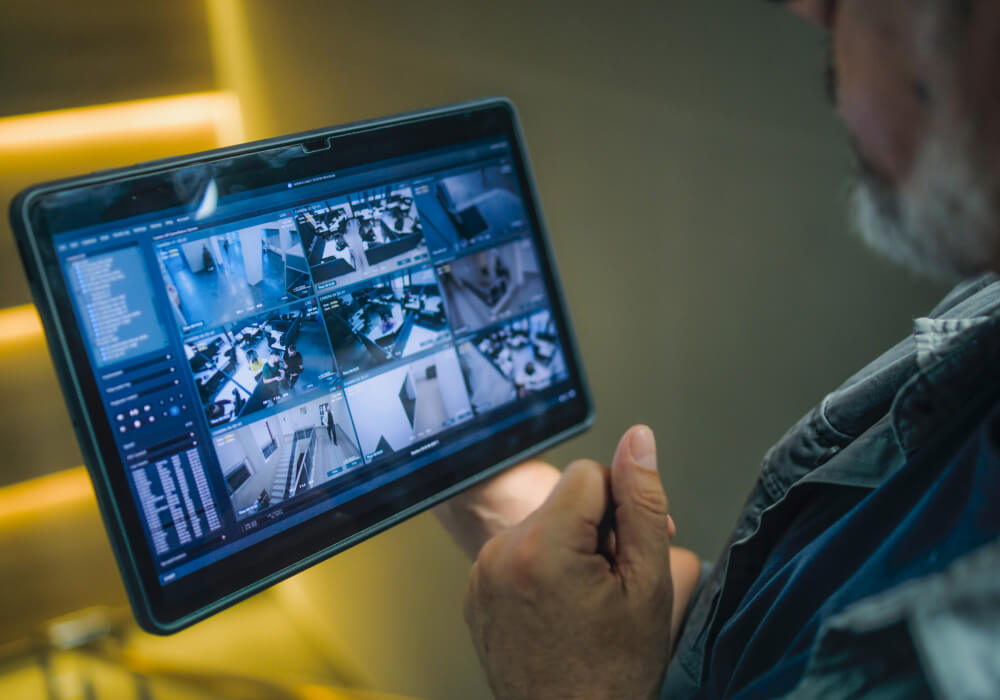
Viewing through the camera maker’s app
Most camera and recorder makers offer an app for viewing the system. On many current systems the equipment connects out to the maker’s service on its own, which removes the need to change anything on the router, though this depends on the system and is worth confirming for the one you are buying. You sign in or scan a code, and the app finds your cameras.
What matters is where the video travels. Because the connection runs through the maker’s service, you are relying on that company’s security, its encryption, and how well it keeps firmware patched. That is a reasonable trade with an established maker that encrypts the stream and still puts out updates. It is a worse one with a bargain brand that may quietly stop supporting the app a year in. One more thing to know: because the app leans on the maker’s servers, an outage on their end can take your remote view down even when your own cameras and recorder are working fine.
A VPN into your business network
A VPN builds an encrypted connection from your phone to your business network, so your phone can reach the recorder as if it were on site, without the recorder being directly reachable from the public internet. For a business that keeps its footage on a recorder on site, this is a strong way to reach it from outside.
It is not a set-and-forget box, though. The VPN gateway, whether it runs on a router, a firewall, or the recorder itself, is itself reachable from outside, so it has to be kept updated, protected with strong sign-in, and limited to the people who need it. Kept current and locked down, it is one of the safer ways to reach an on-site recorder. Left unpatched, it quietly becomes the weak point instead, so plan on it as something that gets maintained, not installed once and forgotten.
A cloud platform
Cloud platforms carry remote access as part of the service. The better ones are built around individual logins, permissions set by role, two-factor sign-in, and every location gathered into one view, though the exact features vary by platform and are worth checking against what you actually need. For a business with more than one site, or several people who need to see the cameras, a platform designed around accounts and permissions is often the most practical choice, and it is usually the cleanest way to watch several locations from one place. The tradeoff is the recurring cost and relying on your internet connection for the viewing.
Why a recorder should not be exposed to the internet
Older setups reached a recorder from outside by opening a port on the router that pointed straight at it, often paired with a service to track a changing IP address. The trouble is that a recorder reachable this way is reachable by anyone, not only by you. Automated scanners search the internet for open recorders constantly, and one found behind only a password is both a target and a possible route onto the rest of the network. Recorders left exposed like this have been taken over in large numbers over the years.
This is different from a properly configured VPN or cloud service. Those give you remote access without putting the recorder itself out in the open, which is why the recorder should reach you through one of them rather than by being exposed directly.
Expert Tip
Make sure the system’s main administrator account is created in the business’s name, with your email and phone number for recovery, not the installer’s. Whoever holds that account and its recovery details controls the system, including who else can get in. An installer can be given their own access underneath it. Sorting this out at setup is simple, and changing it after the fact often is not.
What your internet needs, and why the view stutters
Remote viewing leans on the upload speed where the cameras are, because the footage is leaving that building to reach your phone. A full-quality stream can want a few megabits for each camera, so the load grows with how many cameras you open at once and the resolution they send. Four cameras may stream smoothly on a connection that stalls when you open all sixteen. The common fix is a sub-stream, a lighter, lower-resolution version the system sends for phone and multi-camera viewing, while the cameras keep recording in full quality. If the live view on your phone is smooth and the recorded footage is still sharp, that is the sub-stream at work. Scrubbing back through recorded footage from your phone is a different load, though, since playback usually pulls the fuller stream, so pulling up an old clip remotely can feel heavier and slower than watching live, especially over a weak upload.
Viewing, playback, and monitoring are three different things
Being able to watch live is not the same as being able to pull up yesterday afternoon. On many systems, live viewing, playback of recorded footage, and exporting a clip are separate permissions, so an account can be able to watch in real time and still be unable to retrieve or save an older clip when it matters. It is worth confirming that whoever needs recorded footage can actually reach and export it, not only watch the live feed.
Remote viewing is also different from monitoring. Viewing means you look when you decide to. With live video monitoring, that job is handed to trained operators who act on what they see as it happens, rather than you finding it later, and the arrangement, whether someone is watching continuously or stepping in when an alarm or an analytics alert flags something, is set to fit the property. If you want the cameras covered when you are not the one looking, that is the service to ask about.
When the internet or the power goes out
Remote viewing needs the connection up at the building, so if the internet there is down, you cannot watch from your phone until it returns. A recorder on site keeps recording to its own drive during an internet outage, so you lose the live view but not the footage.
A power outage is harder, because a recorder cannot record a camera that has lost power. Keeping a system running through an outage means backing up more than the recorder. The cameras and whatever powers them, often a PoE switch, the network equipment, and the internet connection itself all have to stay up. A battery backup sized only for the recorder leaves you with a recorder running and nothing to record. How much of this you plan for depends on the property and on where your footage is stored.
What to confirm before the installer leaves
A system is not really finished the moment the last camera is mounted. A few checks at handover are easy to set right on day one and awkward later.
- Test it from outside. With your phone off the building’s Wi-Fi, on cellular data, check that the live view works. A system can run fine on its own network and fail from the outside, which is the one situation remote access exists for.
- Check playback and export, not just live view. Confirm that whoever needs recorded footage can find and save a clip from a day or two ago, since that is often a separate permission from watching live.
- Use a login for each person, not one shared password, and agree how access gets removed when someone leaves, including any shared credentials and any sessions still signed in, where the platform supports checking that.
- Ask how it handles every camera at once. A view that is smooth with a few cameras can stall when all of them open together, so it is worth seeing the full system load before you rely on it.
- Ask whether the cameras sit on their own part of the network, separated from your point-of-sale and office computers, which limits what a single compromised device can reach.
So which fits your business
For a single location with footage on a recorder on site, a VPN is a strong way to reach it, with a reputable maker’s app as a simpler option. For several locations, or several people who need access, a cloud platform built around individual logins and one view across sites is usually the better fit. Whichever you choose, the aim is remote access that reaches your cameras without leaving the recorder open to the internet, set up by someone who tests it from outside and puts the administrator account in your name before leaving. That is how we approach every commercial camera system we install in Dallas.
Want remote access set up and handed over properly?
The team at Security Cameras Dallas sets up remote viewing for your business, across one site or several, so you can watch your cameras from your phone without exposing the recorder to the internet. We set up individual logins where the system supports them, turn on two-factor sign-in where it is offered, and make sure the administrator account is in your name before we leave.
Common questions about viewing business cameras remotely
Can I view my business cameras without opening a port on my router?
Yes. A VPN, a reputable camera-maker app, or a cloud platform all provide remote access without exposing the recorder directly, which is the safer approach for a business.
Do I need a VPN to watch my cameras remotely?
Not always. A reputable maker’s app or cloud platform can be secure on its own. A VPN is a strong option for reaching a recorder kept on site, as long as it is kept updated and protected.
Can I see cameras at more than one location in one app?
Yes. Recorder apps and cloud platforms both let you add several sites to one account. A cloud platform usually handles multiple locations and user permissions most cleanly.
Can I still view my cameras if the internet goes down at the business?
No, remote viewing needs the connection up. A recorder on site keeps recording through the outage, so you can review that footage once the internet is back.